The Power of Google Business Profile for Healthcare
When patients search for "dentist near me" or "cardiologist in Mumbai," Google Business Profile (formerly Google My Business) results appear first. With over 5 billion daily searches and 46% of all searches having local intent, your Google Business Profile is often the first impression patients have of your clinic.
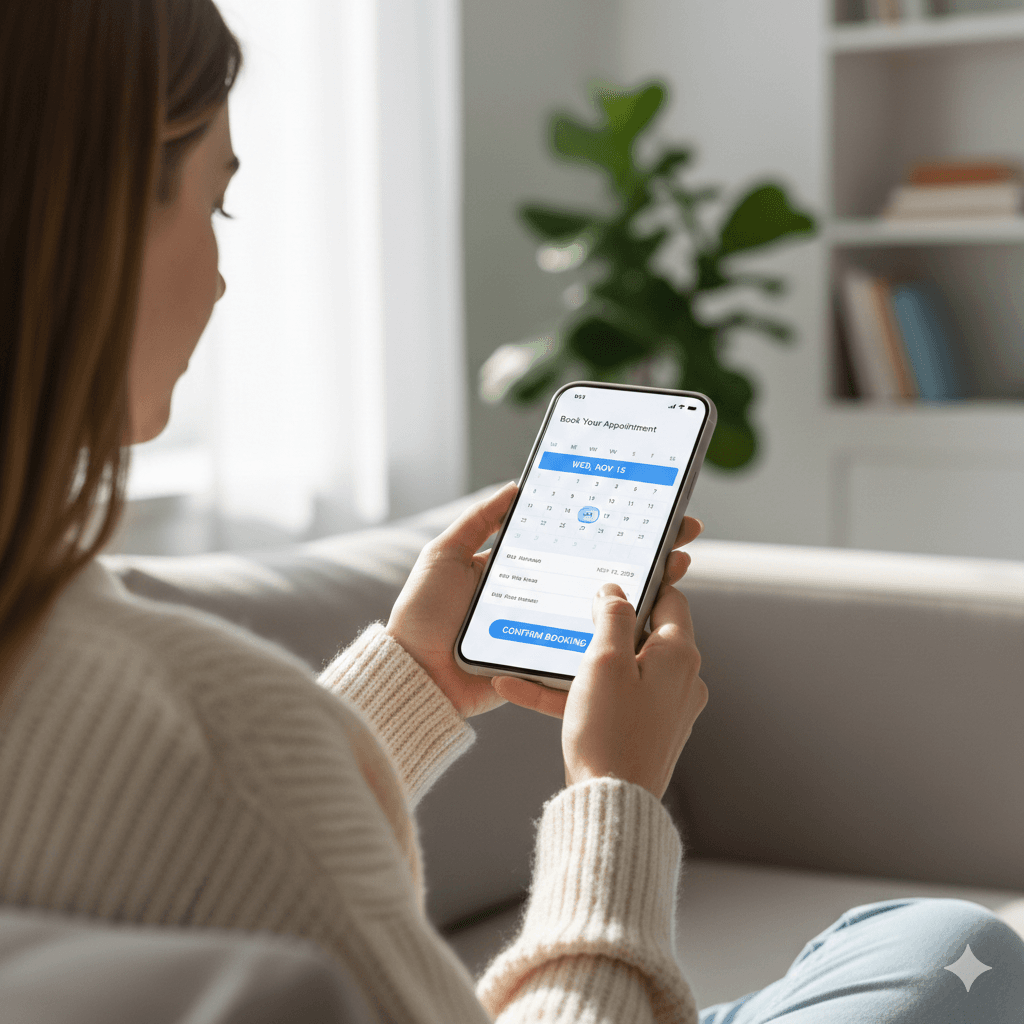
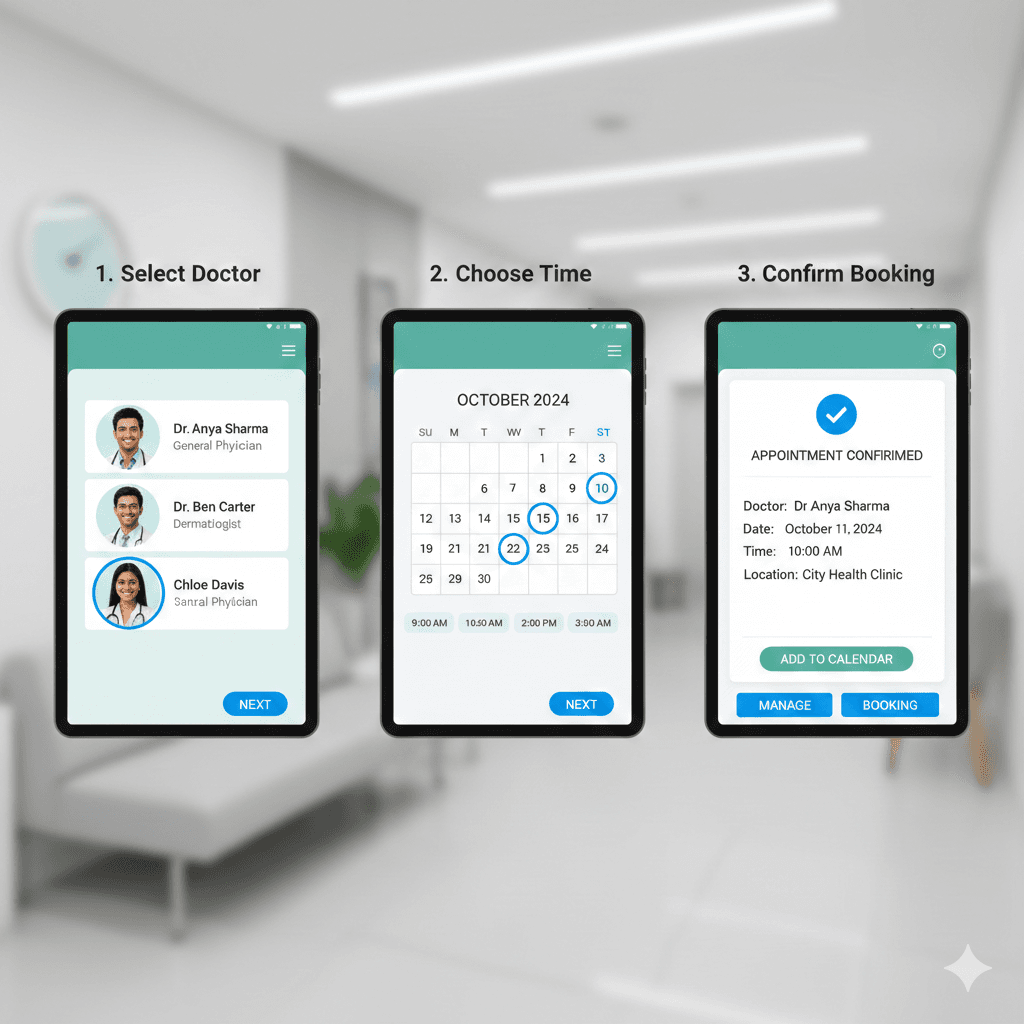
The "Book Now" button transforms this impression into action. Instead of patients calling, visiting your website, or searching for contact information, they can book an appointment directly from Google Search or Maps – in just two taps.
What is the Google "Book Now" Button?
The Reserve with Google / Book Now button appears on your Google Business Profile and allows patients to:
- See your available appointment slots in real-time
- Book instantly without leaving Google
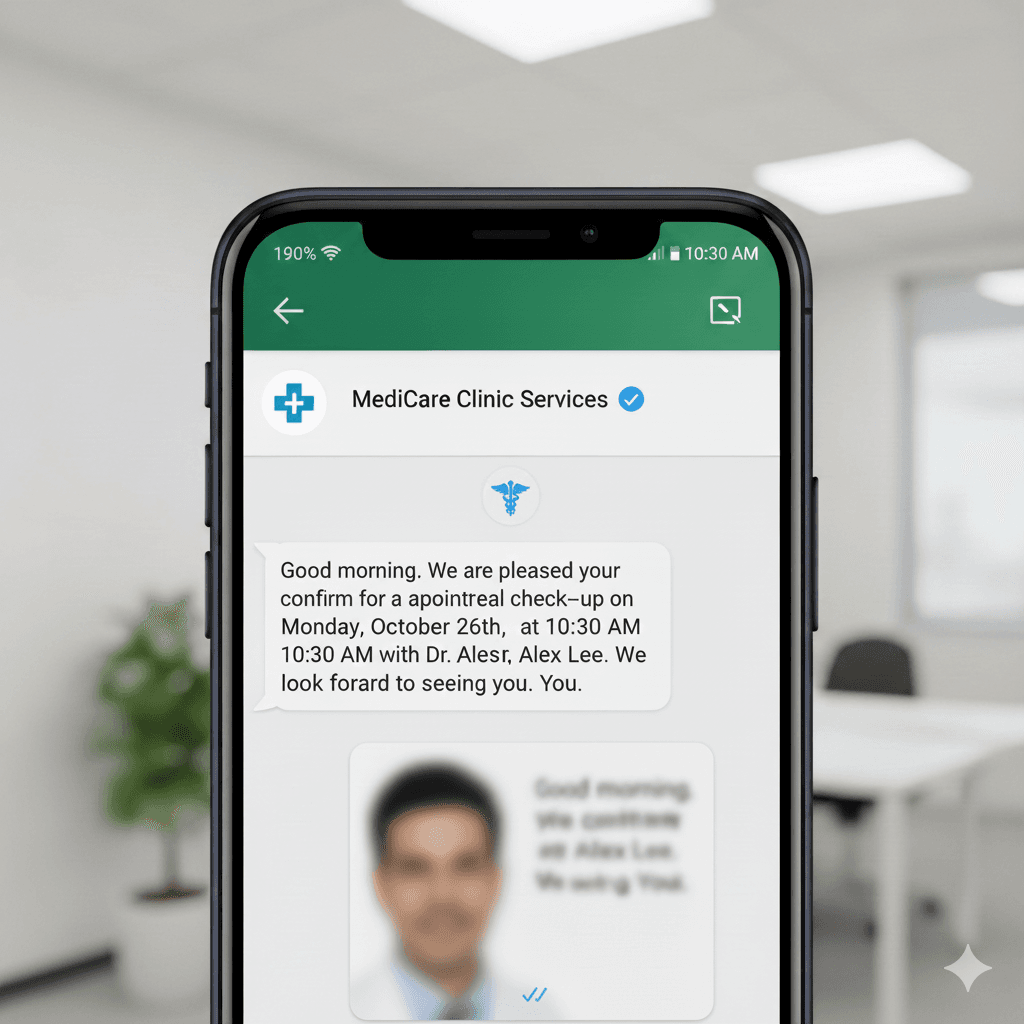
- Receive confirmation via Google and email
- Add the appointment to Google Calendar automatically
- Get reminders before the appointment
Where It Appears
The booking button shows up in multiple high-visibility locations:
- Google Search results (desktop and mobile)
- Google Maps listings
- Google Assistant voice search results
- Google Business Profile page
Benefits for Healthcare Providers
1. Capture Patients at Peak Intent
When someone searches for a doctor, they need care now. The Book Now button captures this intent immediately, before they scroll to a competitor or get distracted.
2. Reduce Phone Call Volume
Many patients prefer online booking over phone calls. Clinics with Book Now enabled report 30-40% reduction in booking-related calls, freeing staff for other tasks.
3. 24/7 Booking Capability
Patients can book appointments at midnight, during lunch breaks, or on weekends – whenever it's convenient for them. No more losing patients because they couldn't reach you during office hours.
4. Improved Local SEO
Google favors businesses that use its tools. Clinics with Reserve with Google enabled often see improved visibility in local search results.
5. Verified Bookings
Patients booking through Google use their Google account, providing verified contact information and reducing fake or spam bookings.
How to Enable Book Now for Your Clinic
Step 1: Claim and Optimize Your Google Business Profile
If you haven't already:
- Go to business.google.com and claim your listing
- Verify your business (usually via postcard or phone)
- Complete all profile information: hours, services, photos
- Choose the correct healthcare category
Step 2: Choose a Reserve with Google Partner
Google doesn't provide the booking functionality directly. You need to use a "Reserve with Google" certified partner like TDAppointments. The partner provides:
- Real-time calendar sync with Google
- Appointment management system
- Patient notification capabilities
- Integration with your existing workflows
Step 3: Connect Your Booking System
Once you've chosen a partner:
- Link your Google Business Profile to the booking platform
- Configure your availability and appointment types
- Set up services with durations and prices (optional)
- Enable the integration
Step 4: Go Live
After setup (typically 24-48 hours for Google approval), the Book Now button appears on your profile. Patients can immediately start booking!
Optimizing Your Book Now Experience
Service Configuration
Set up services that patients understand:
- Good: "General Consultation (30 min)", "Follow-up Visit (15 min)"
- Bad: "Service A", "Appointment Type 1"
Availability Management
Show realistic availability:
- Buffer time between appointments
- Block lunch hours and breaks
- Reserve some slots for walk-ins or emergencies
- Update for holidays and vacations
Multiple Doctors/Services
If you have multiple doctors, patients should be able to:
- See which doctor they're booking with
- View doctor-specific availability
- Choose based on specialty if applicable
Regional Considerations
India
Google dominates search in India with 95%+ market share. Having Book Now is becoming essential for clinic visibility. Many patients now expect online booking capability.
USA
Reserve with Google is well-established. Ensure HIPAA compliance for all patient data transmitted. Many patients discover healthcare providers exclusively through Google.
UK
Both NHS and private patients use Google to find healthcare. Private clinics especially benefit from Book Now functionality.
UAE & Middle East
Google is the primary search engine. Arabic language support in booking flows is important for serving local populations.
Europe
GDPR compliance is mandatory. Ensure your booking partner handles patient consent and data protection appropriately.
Measuring Success
Track these metrics to measure Book Now impact:
- Google Bookings: Monthly appointments from Google
- Conversion Rate: Profile views to bookings
- Phone Call Reduction: Change in booking-related calls
- New Patient Acquisition: First-time patients from Google
- Profile Engagement: Clicks, calls, directions requests
Common Challenges & Solutions
Challenge: Overbooking
Solution: Real-time sync between Google and your clinic calendar prevents double-booking.
Challenge: No-Shows from Online Bookings
Solution: Automated confirmation and reminder messages via WhatsApp/SMS.
Challenge: Patients Booking Wrong Services
Solution: Clear service descriptions and follow-up confirmation calls for first-time patients.
TDAppointments Google Integration
As a certified Reserve with Google partner, TDAppointments offers:
- One-click Google Business Profile connection
- Real-time availability sync
- Multi-doctor support
- Automatic confirmation and reminders
- Analytics on Google booking performance
- Free setup assistance
Getting Started
Enable Google Book Now for your clinic in three easy steps:
- Sign up for TDAppointments (14-day free trial)
- Connect your Google Business Profile
- Configure your services and availability
Within 48 hours, patients can book appointments directly from Google Search!